Math foundations
Sensitivity, Specificity, and the 2×2 Screening Table
The idea
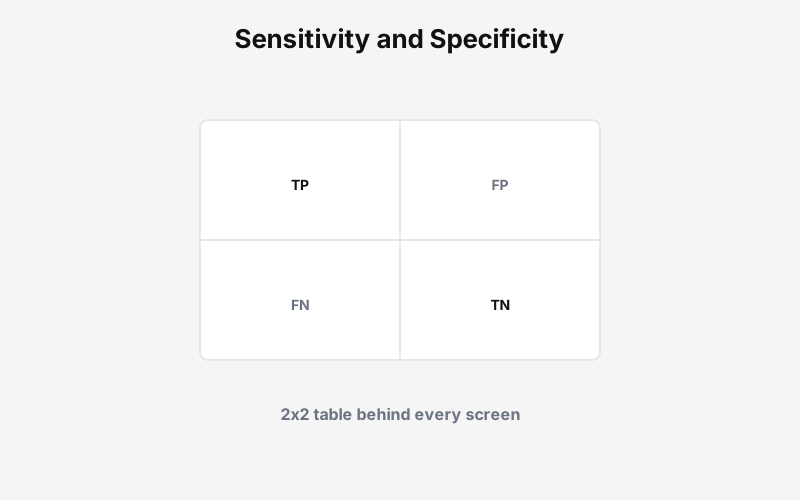
Every classifier, screen, or alert splits the world into four boxes: true positive, false positive, false negative, and true negative. Sensitivity and specificity describe how the test behaves on known positives and negatives. They are not what reviewers feel day to day.
Positive predictive value is the conditional probability that a case is truly positive given a positive flag. That number depends on prevalence. A strong test on a rare outcome still floods the queue with false alarms.
The 2×2 table answers: How does this test split reality, and what does a positive flag mean in our population?
Example: the 2x2 screening table
Sensitivity and specificity describe the test. Positive predictive value describes what a positive flag means in your population.
90% sensitivity sounds strong until you read the false-positive column.
| Test + | Test - | |
|---|---|---|
| Actually + | 180 TP | 20 FN |
| Actually - | 784 FP | 9016 TN |
PPV (precision): 19% · NPV: 100%
Sensitivity 90% catches most cases, but only 19% of flagged rows are true positives. Positive predictive value is what reviewers feel in the queue.
The math
Sensitivity (recall on positives)
Of all true positives, how many did the test catch? Same as recall on the disease-plus row.
Specificity
Of all true negatives, how many cleared the test? High specificity means fewer false flags.
Positive predictive value
Of everything flagged positive, how many are real? This is precision in the flagged pile. It is what base rates and threshold posts build on.
A simple application
Model cards often lead with sensitivity. Ops leads should ask for the full table with your prevalence. Staffing, auto-block policy, and reviewer training depend on PPV and queue volume, not sensitivity alone.
The habit: draw the four counts before you debate thresholds. If false positives dominate the flagged column, tighten specificity or raise the cutoff before you add headcount.